Optical Light Source (OLS)
The unit can be equipped with an optional Optical Light Source (OLS) to use in conjunction with any OPM to measure link loss. The OLS radiates continuously or in pulses with modulation. For multi-laser OLS (except DWDM laser), the Loop mode enables the selection of a wavelength to use in Loop test mode.
To see the most recent OLS specifications, go www.veexinc.com.
|
Never look directly into the OLS test port. The laser radiation emitted can be harmful to your eyes. |
 PROTECT YOUR EYES!
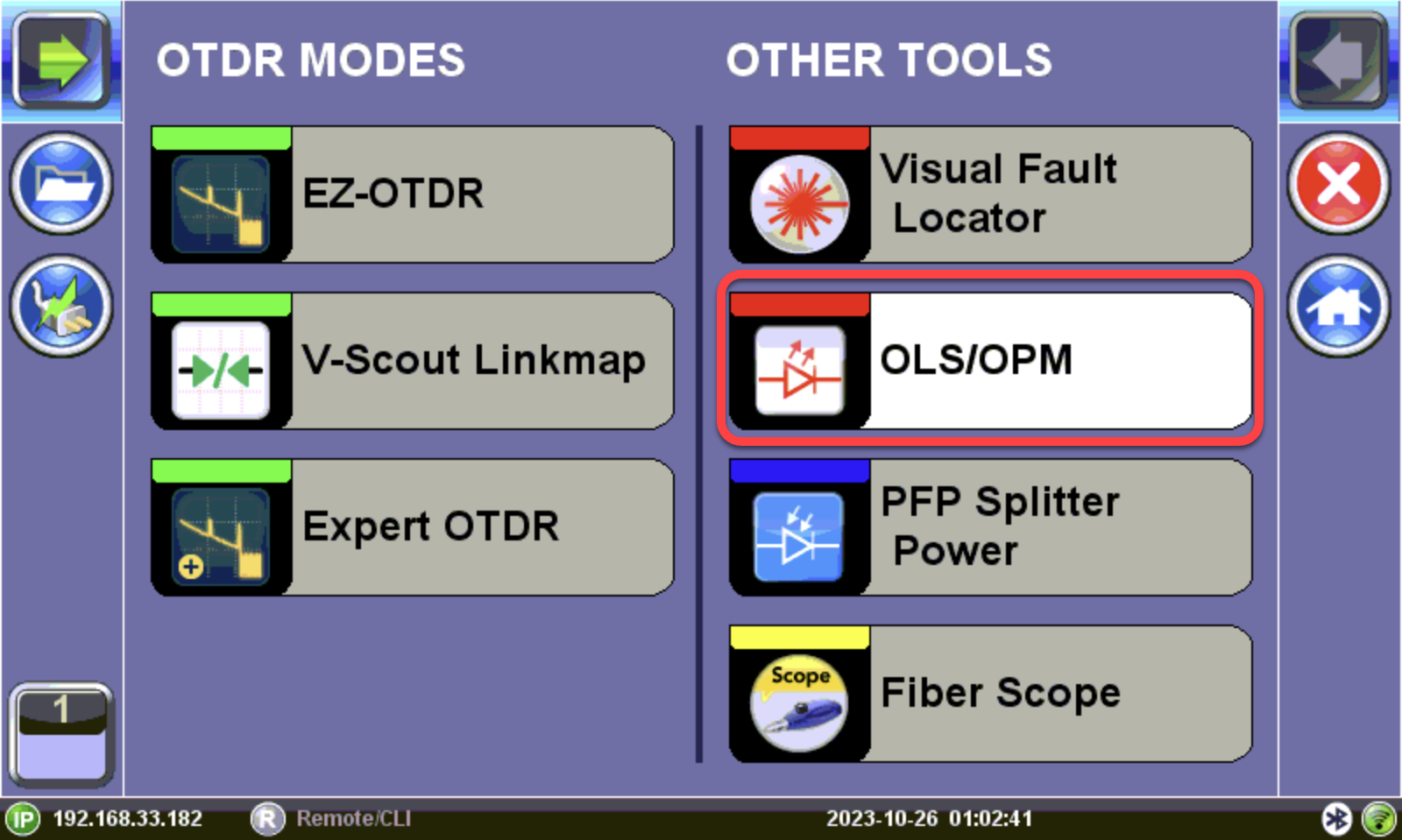
Optical Light Source menu option
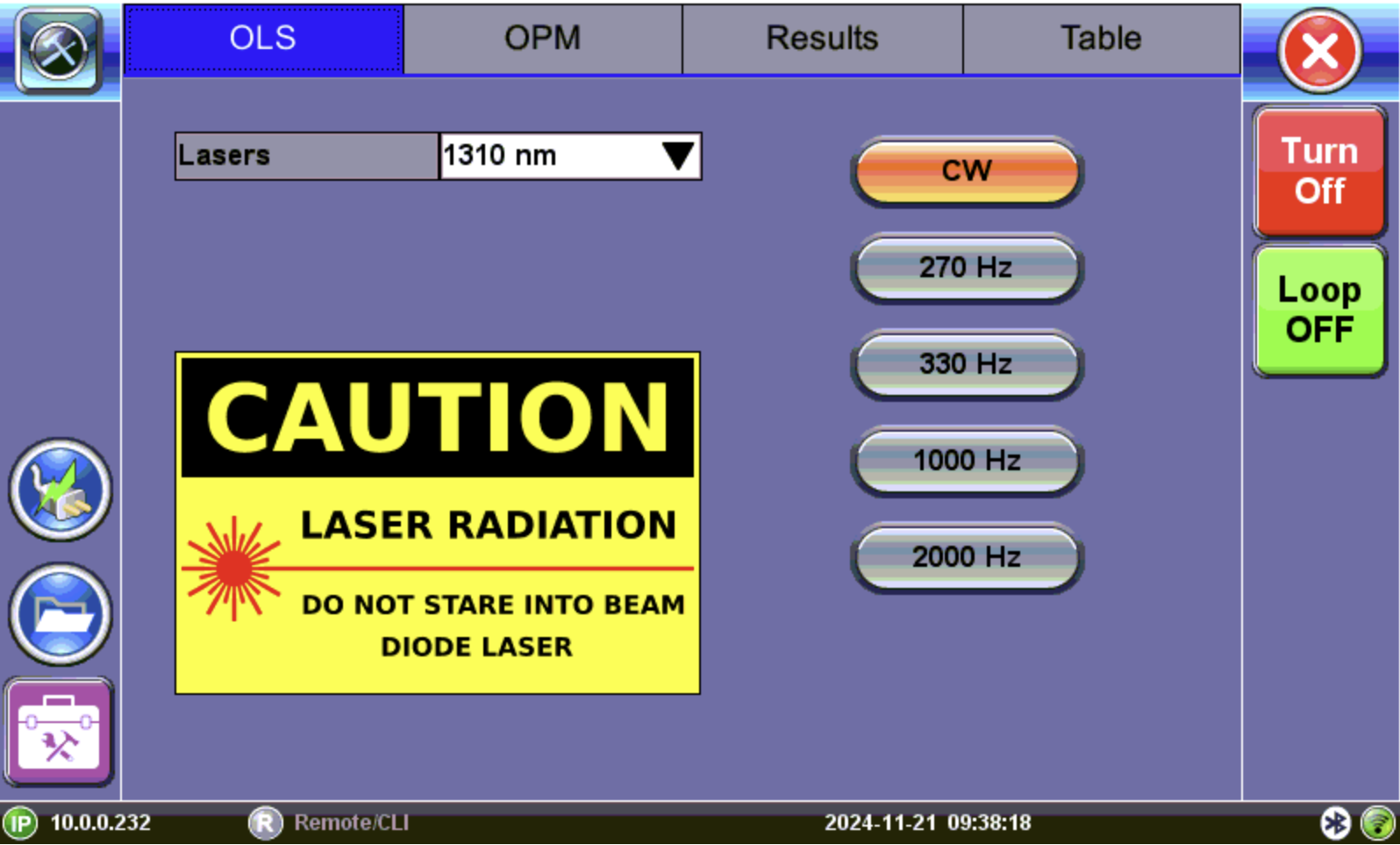
OLS Setup
Using the Optical Light Source
- Make sure that the Optical Light Source option is installed on the test unit.
- Connect a patchcord between the OLS and an OPM test port, then power on the unit.
-
On the OLS screen, select the operation mode for the test, then tap Turn On.
CW (Continuous Wave): Select to continually measure level, loss, and reflectance in optical components.
270 Hz, 330 Hz, 1000 Hz, 2000 Hz (Pulse): Select this option to send intermittent light pulses.
- When testing is complete, tap