Stopping and Saving Results (Test Report)
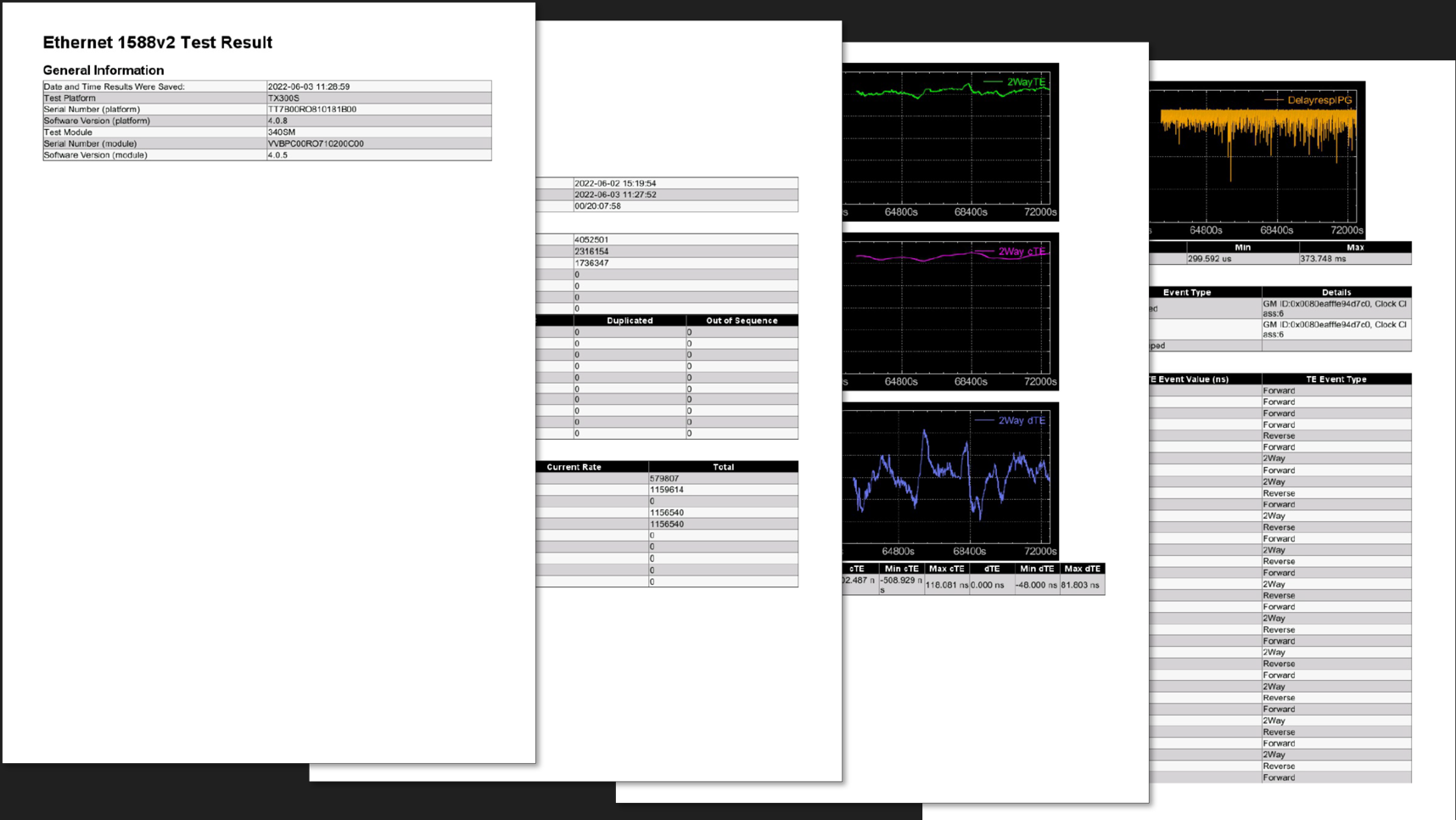
Once finished with the test, press the red Stop button to terminate the measurements and protocol emulation. Once stopped, the results (counter, events and graphs) can be saved by pressing the physical Folder (Save) button on the test set and enter the desired name. The resulting test report will be available in the File Manager. They can be exported to USB memory in HTML5 (To USB icon) and/or PDF (PDF icon) formats.
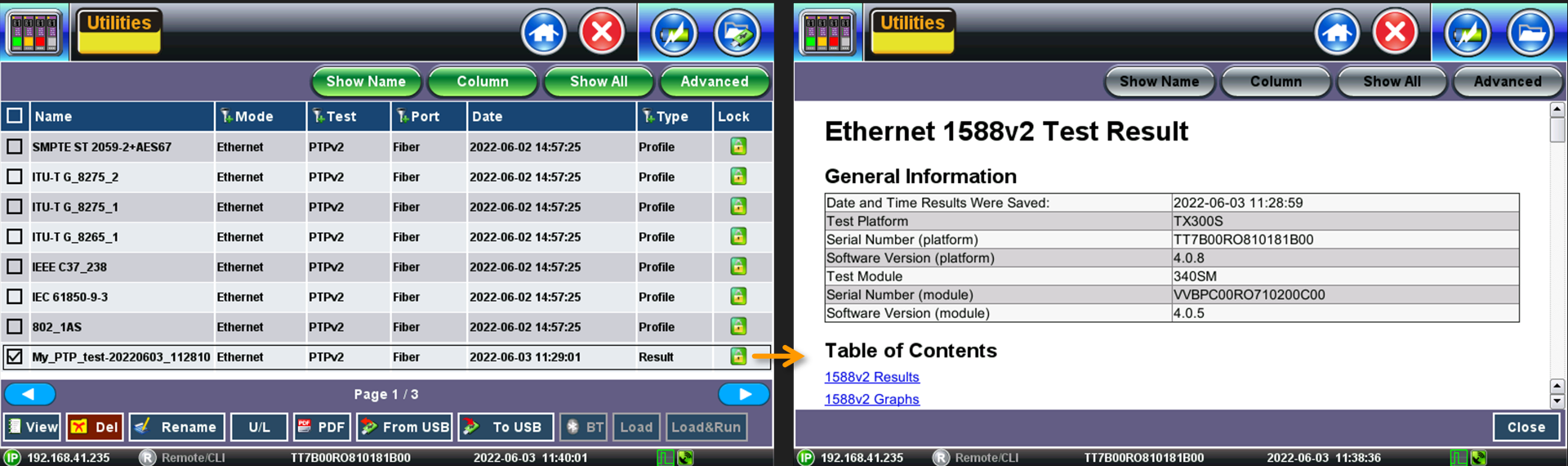
Stopping and Saving Results
The Restart button resets all the measurements, without stopping the Slave emulation process.