Mode/Port Selection
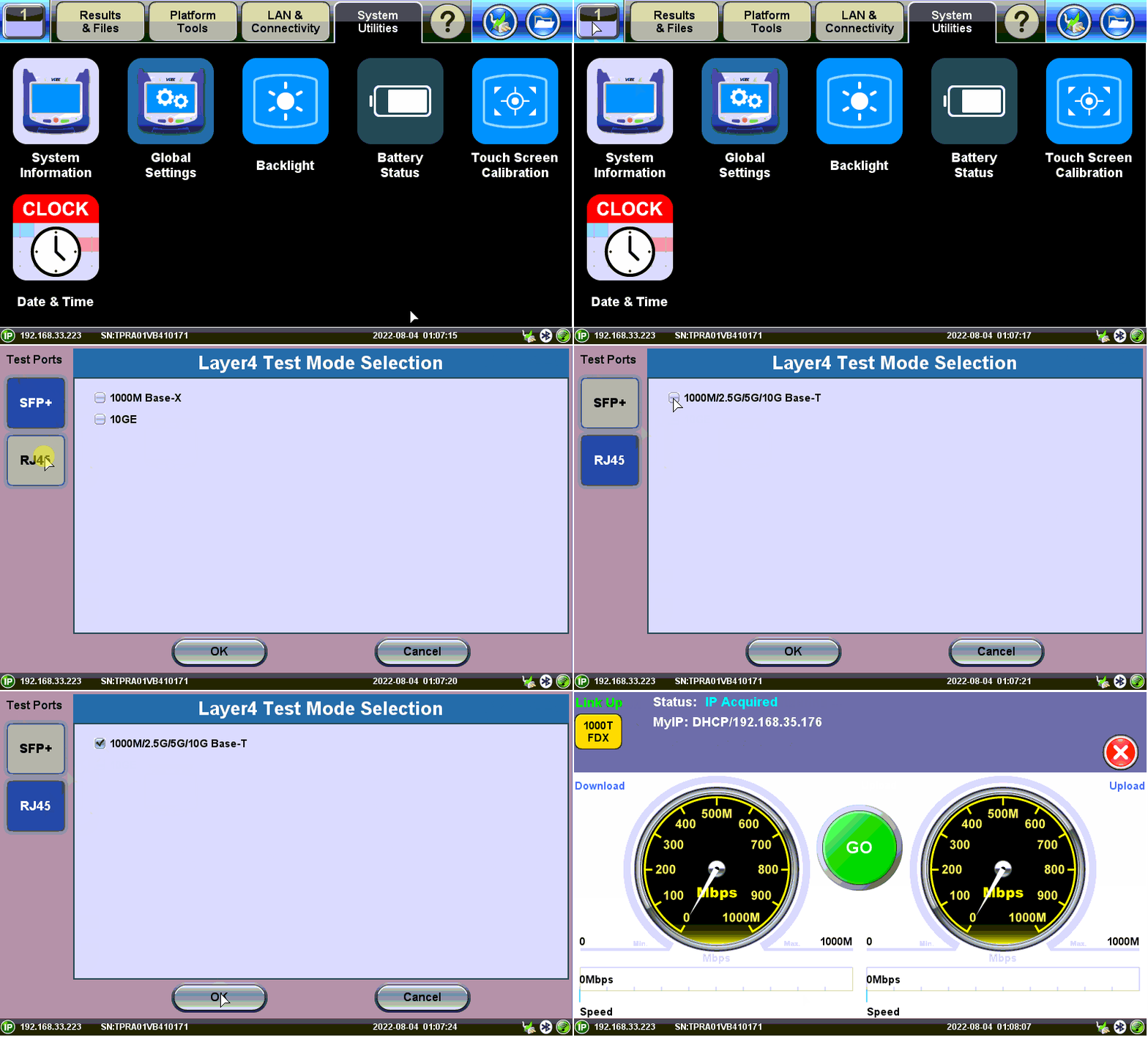
Test mode, test port(s), and network settings are required prior to performing any measurements or applications.
The test set has a default RJ45 port selected with 1000M/2.5G/5G/10G Base-T Test Mode. If the port is connected to a switch it acquires the IP address automatically (if DHCP is set up). But, the test mode can always be manually switched.
Test modes are accessed by selecting the Test Application button  . Tap on a technology group then select a test interface.

 will indicate the active test port when the laser is turned on.
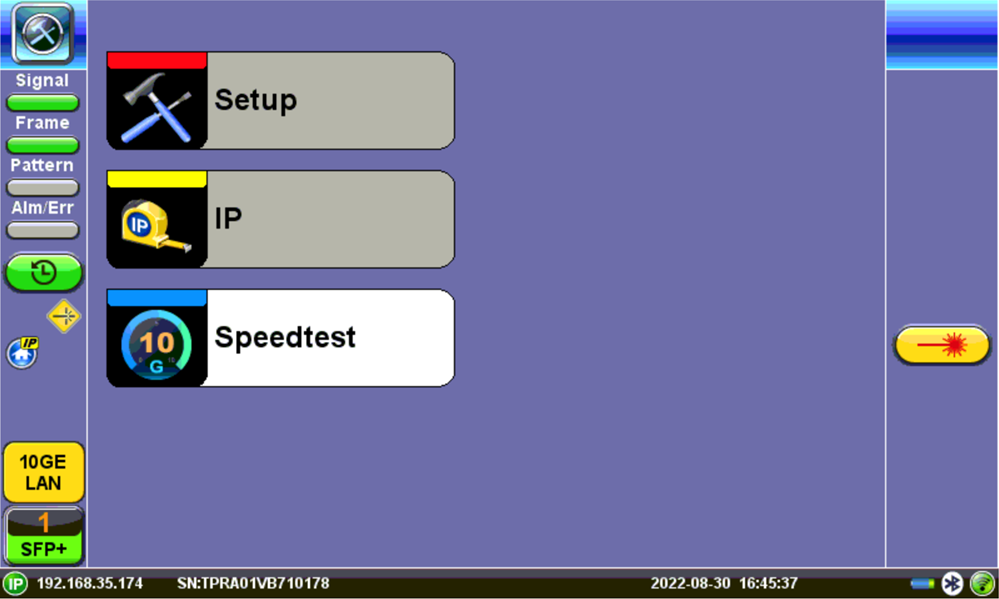
Turning the Laser On Activates the Test Port for Fiber Channel