LAN

Configure the local (wired) Ethernet connection for the optional 1000BASE-T adapter (USB-C dongle). The test set's IP address will be displayed on the bottom-left corner of the screen.
The LAN port, also known as Management Port is used by the test platform to communicate with remote clients, Internet, cloud applications and run some basic connectivity tests. Network parameters must be configured prior to performing any connection dependent measurements. An IP connection needs to be established to perform a Ping or Trace Route test.
By default, the IP configuration is set to DHCP and the unit automatically attempts to establish a connection.
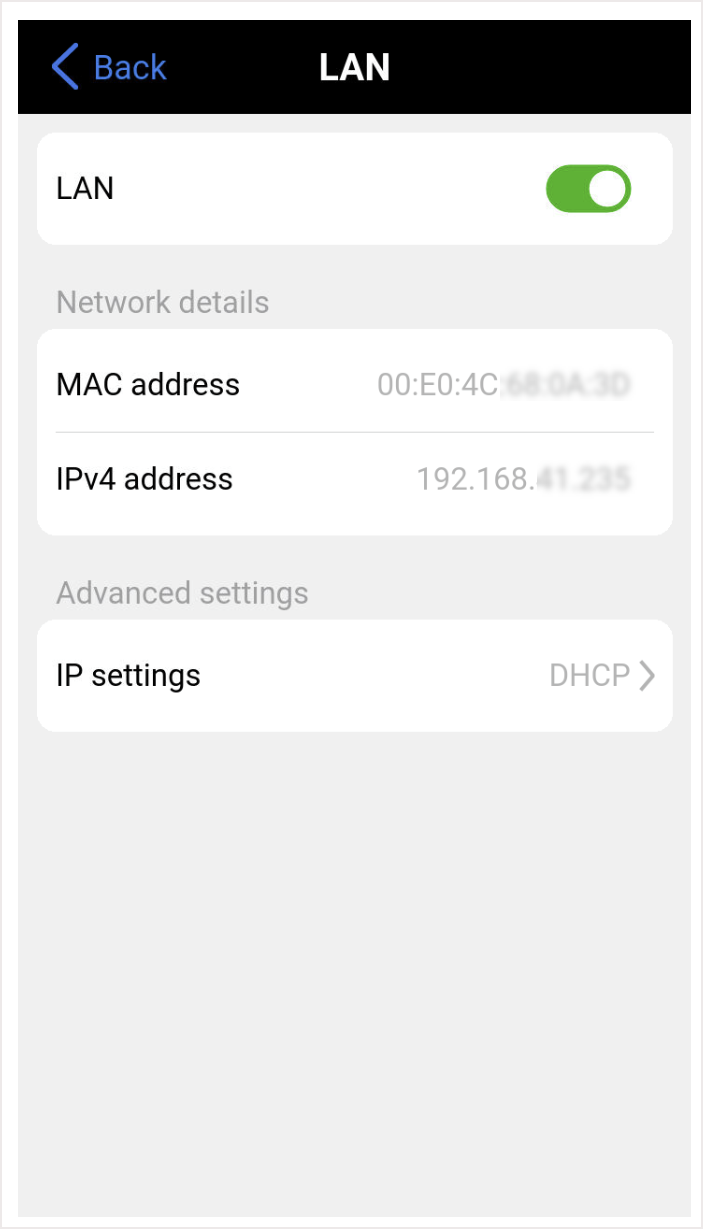
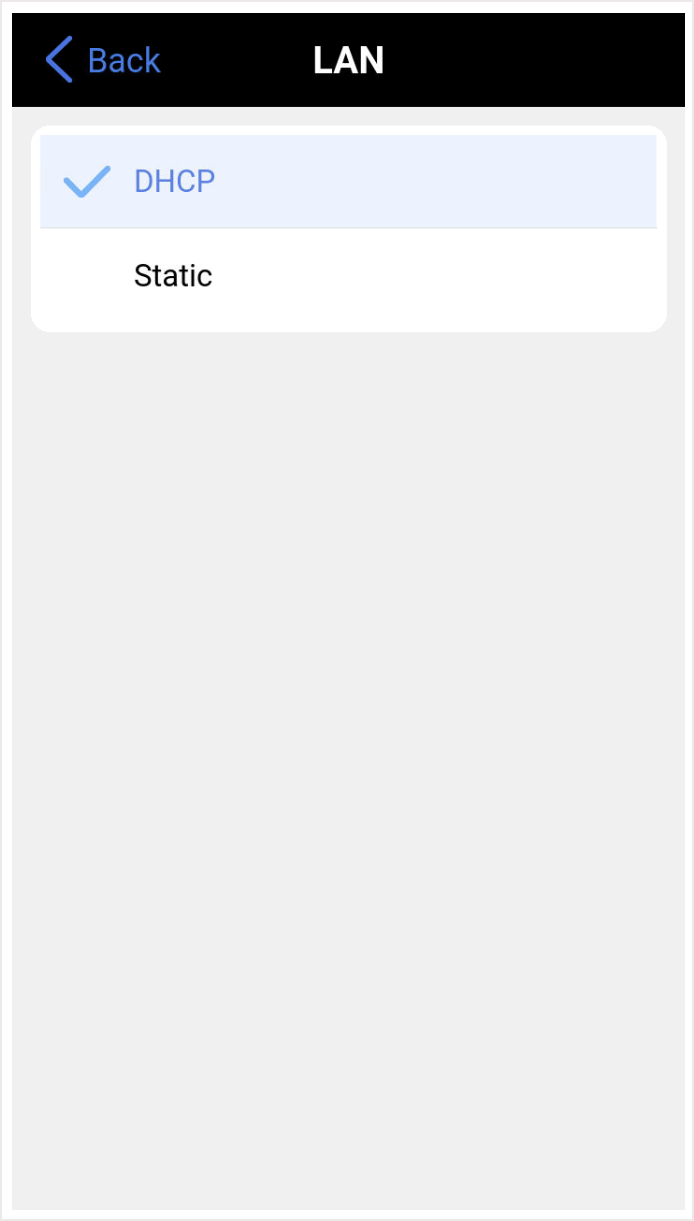
DHCP for dynamic IP Address, assigned by the modem, gateway, router or the network. If DHCP is selected, the unit will obtain IP address parameters from the DHCP server.
Static to enter the designated fixed IP Address, Subnet, Gateway and DNS information. If Static is selected, enter the Local IP, Gateway address (if Gateway and DNS are set to Enable), and Subnet.