Error Injection
Error injection can be performed during testing. The error type and injection rate are configured in the Error Injection tab.
-
Stream #: Select the stream to configure.
- Error type: Select from Bit, CRC, IP Checksum (Layer 3, 4 only), Pause, TCP/UDP Checksum (Layer 4 only). With Pause selected, the unit will transmit a pause frame when Error Injection icon is pressed. The Pause time duration is configurable in units of 512 bit time. At Gigabit Ethernet speed, this is equivalent to 512 ns. For example, if pause time is set to 1000, the pause duration will be set to 1000x512 ns.
- Injection Flow: The error injection flow determines how the selected errors will be injected.
- Select a single error injection or specific count.
- Count: Configures the error count via a numeric keypad.
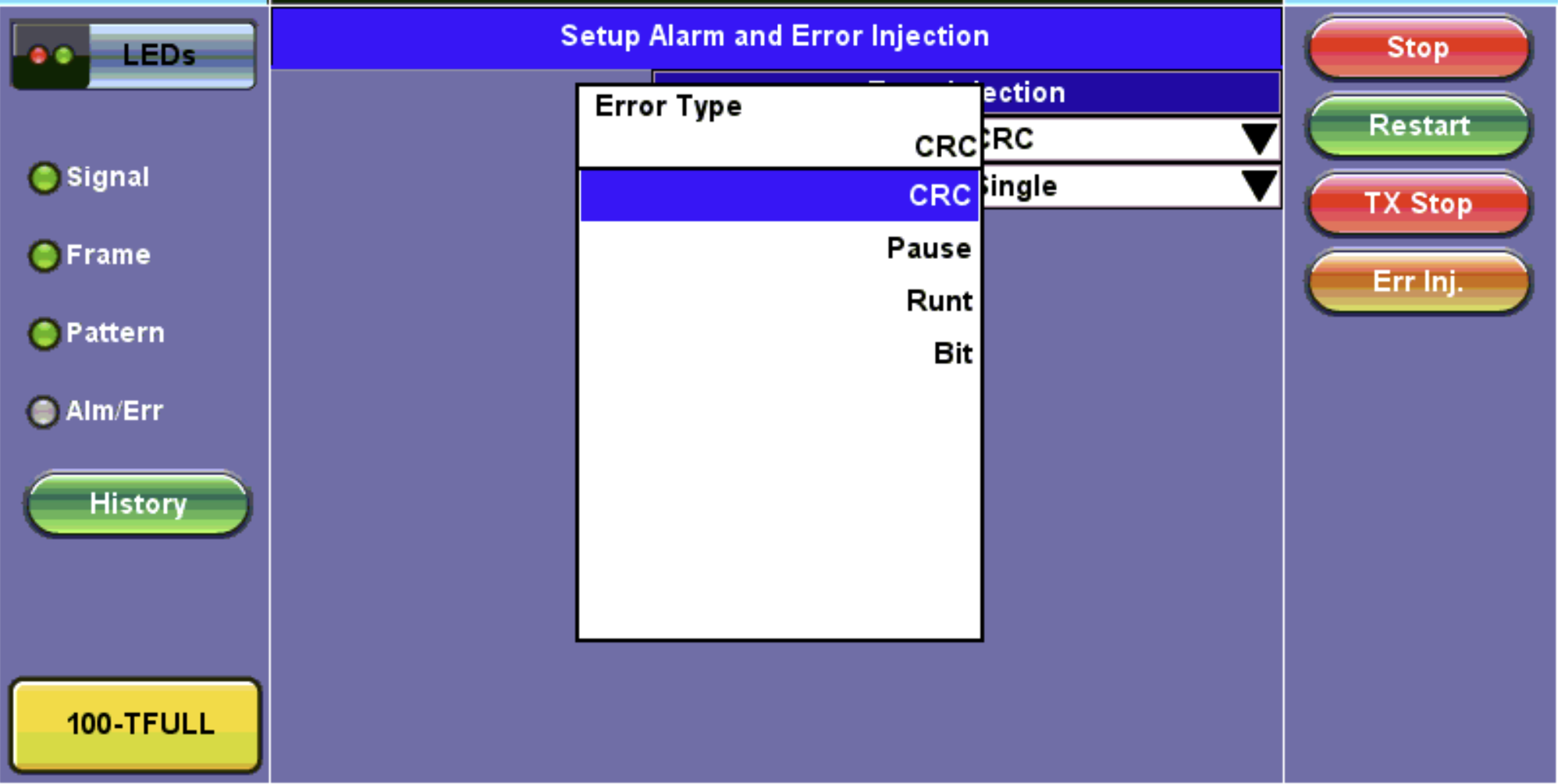
BERT Setup - Error Injection Error Inj. Function

|
Error Injection After pressing Start, error injection can be enabled by pressing the Error Inj. button on the right side of the screen. |