100G Ethernet Test Application
(This chapter applies to 1G, 10G, 25G, 40G and 100G)
When first starting the test application, the soft LEDs might be red. Soft LEDs that are steady green indicate that the module is ready to perform different tests. This may require turning the LASER On button for optical interfaces or tapping the History tab to clear blinking LED reminders of past Errors and Alarms (test results are not affected).
 Available test configurations will vary based on the test platform and installed module.
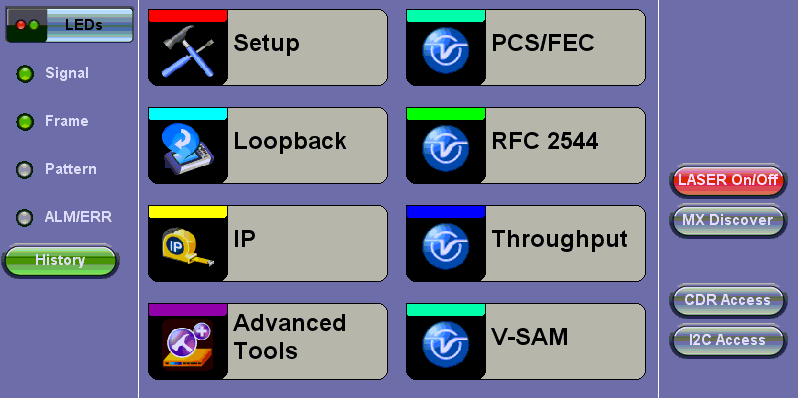
Ethernet Home Menu