OTDR Test Reports
Test reports can be accessed from the test set's files. .
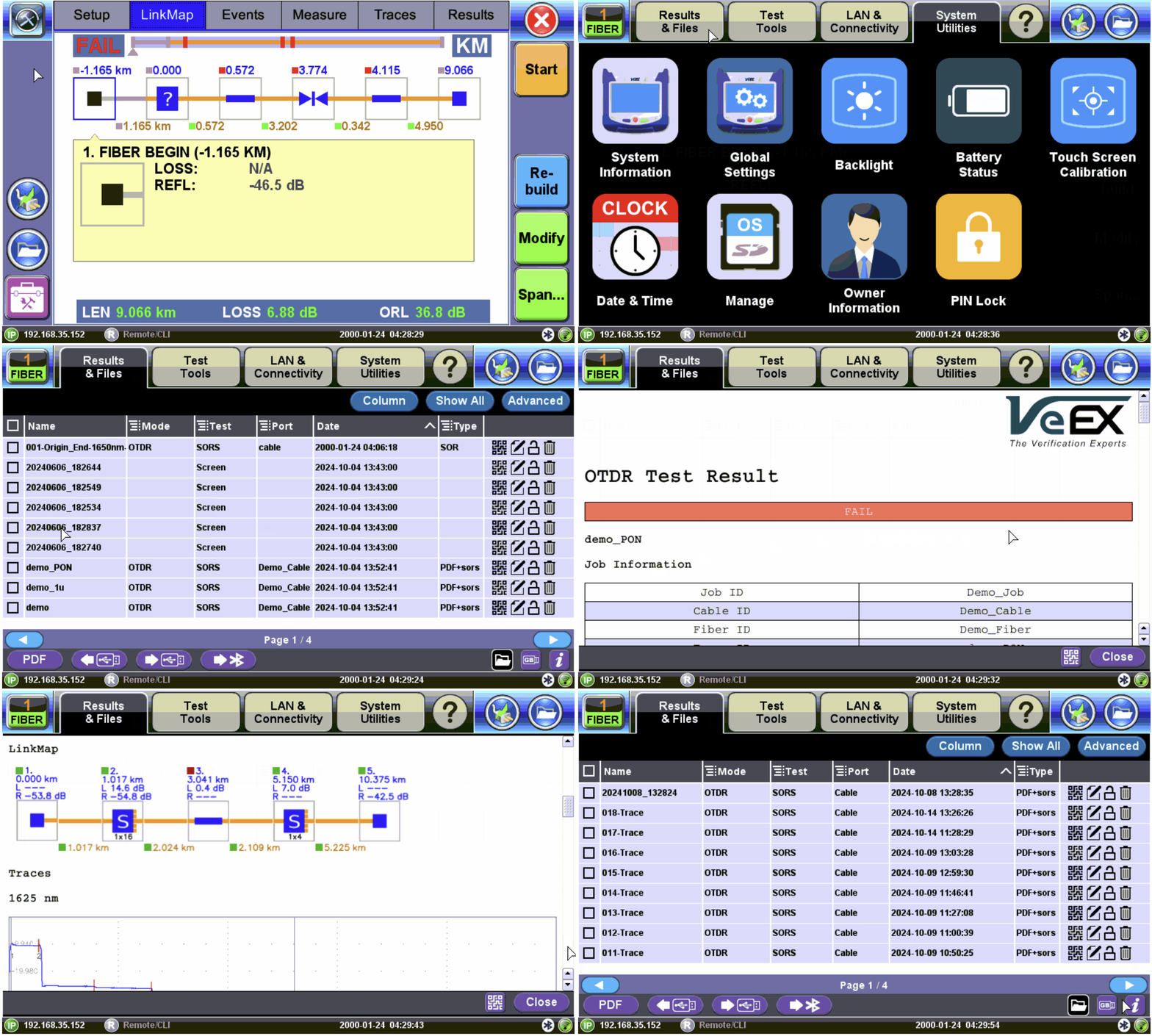
View Test Report from Platform Files
To access the test results stored in the test set:
-
Select
-
Select the desired results file to open the test report.
To navigate the test results report, use the links in its Table of Contents and the