Personal Profile and Settings
Access user configuration options by going to  < Profile for user information and < Settings to change user settings. The User group is assigned when creating the user and cannot be changed. See User Roles.
Profile
Set name, job title, email address, port group, and password on the Profile dialog.
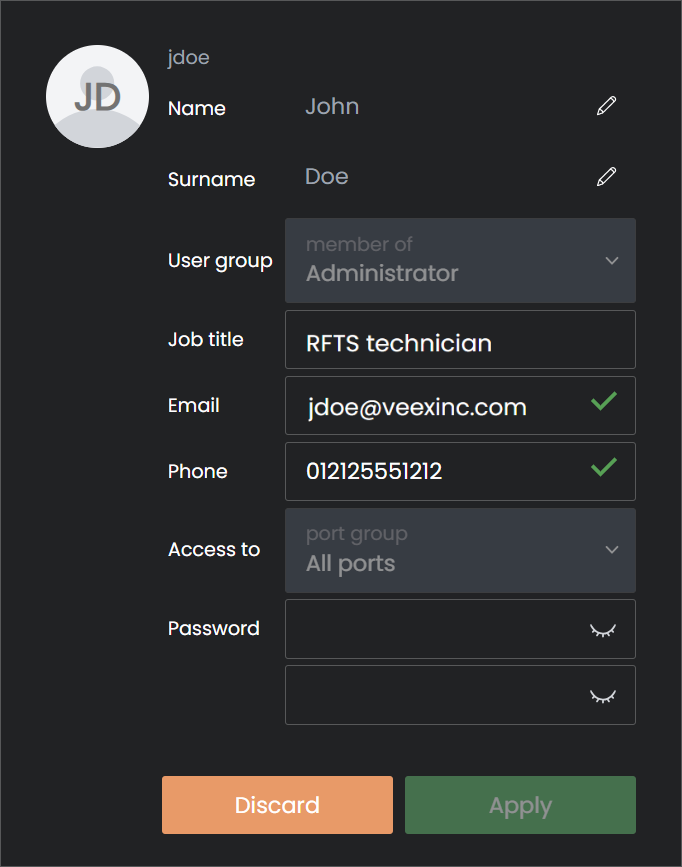
User Profile
Settings
Set Language, Date/Time format, and Display Theme on the Settings dialog. The changes apply immediately upon making them.
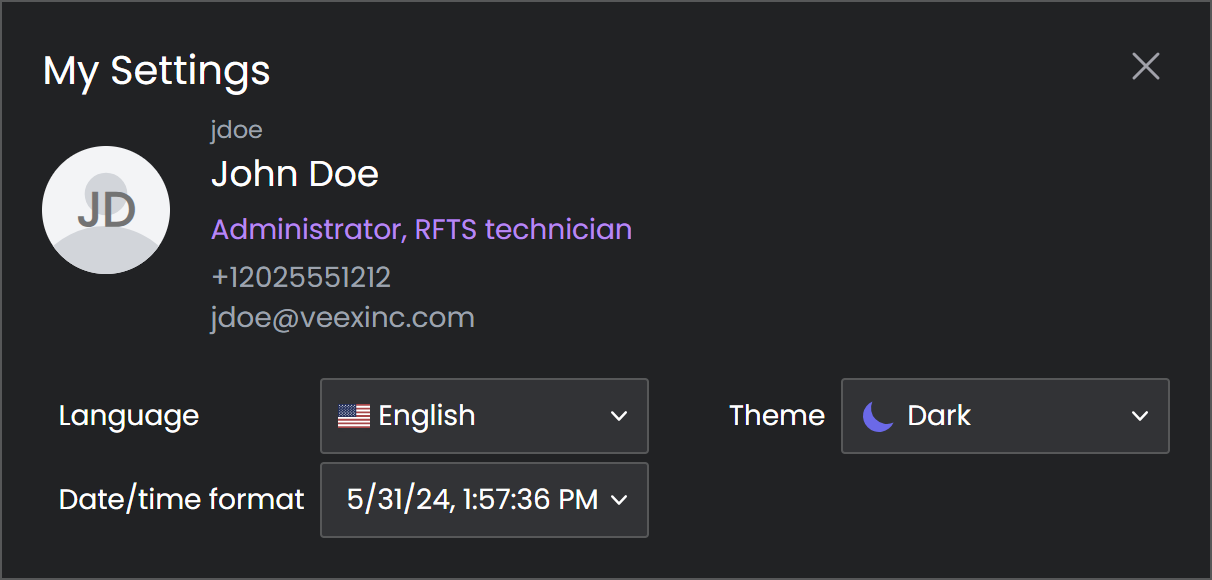
User Settings
External Connectivity
If mobile access has been established for the system, go to < External connectivity to see information on how to access the system via a mobile device.
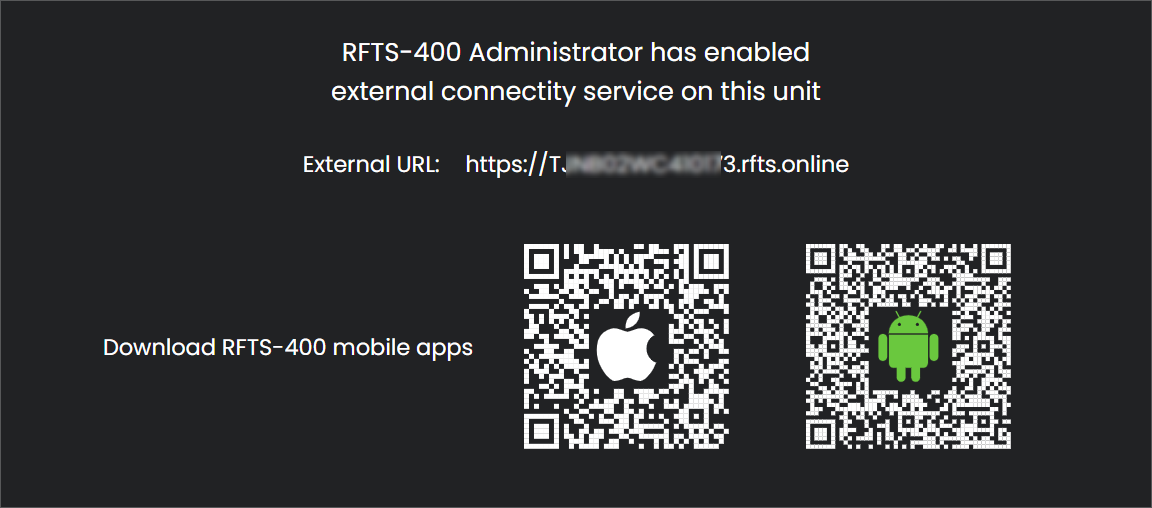
External Connectivity